Start with your house
Upload a photo and mark the rooflines, porch and landscape areas you want to light.
See your home light up. Choose what stays. See what it costs.
Our goal: know the cost before you ever pick up the phone.
Start with a photo. Save your design. Share only when you are ready.
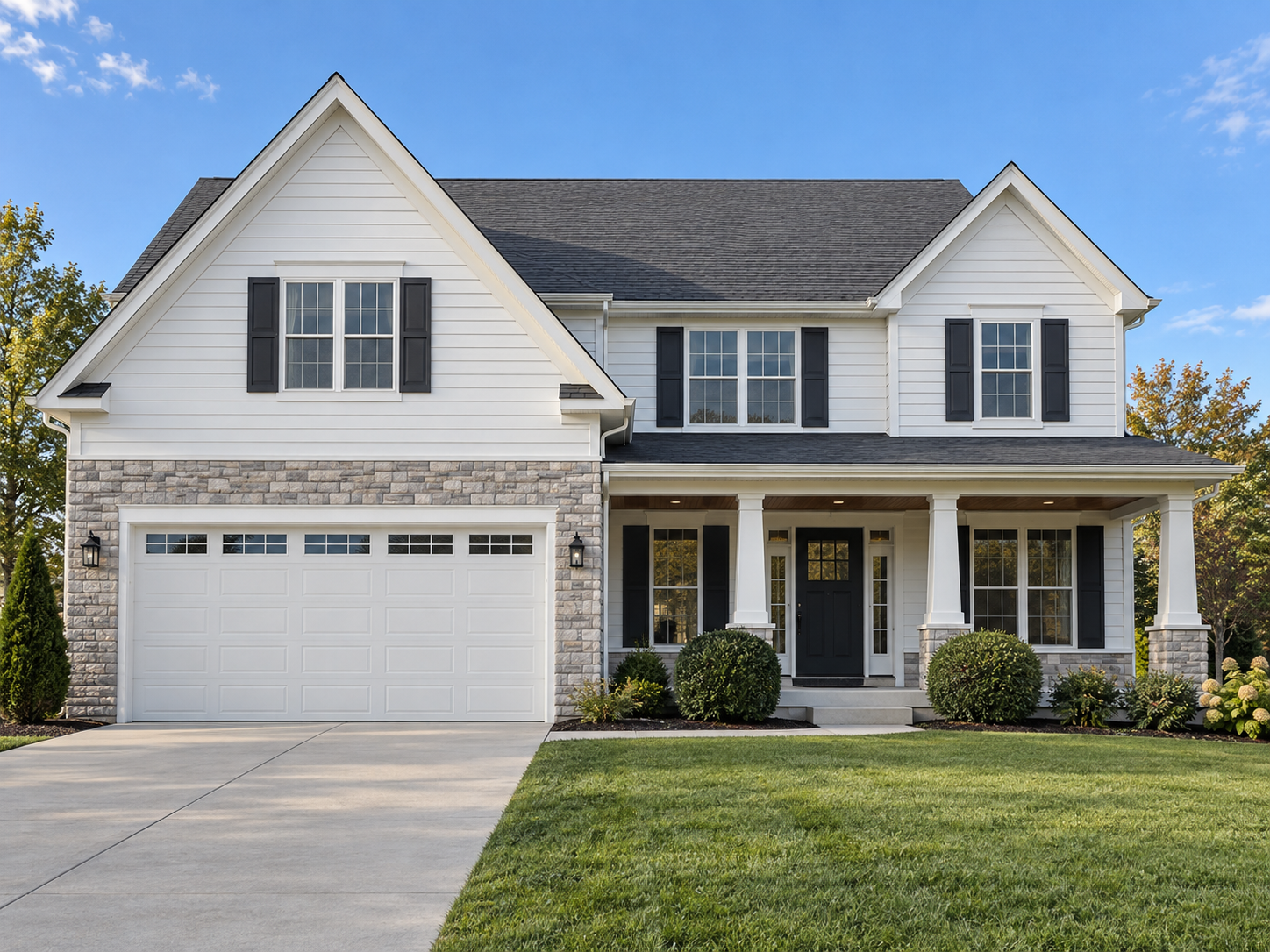 DESIGN PREVIEWDAYLIGHT VIEW
Drag the slider, change colors, or remove an item.
Upload a photo and mark the rooflines, porch and landscape areas you want to light.
Try colors, peak accents and mini wraps. In an itemized proposal, remove optional services and review the updated visual and price.
The approved layout, itemized scope and installation notes give you and the installer a shared reference.
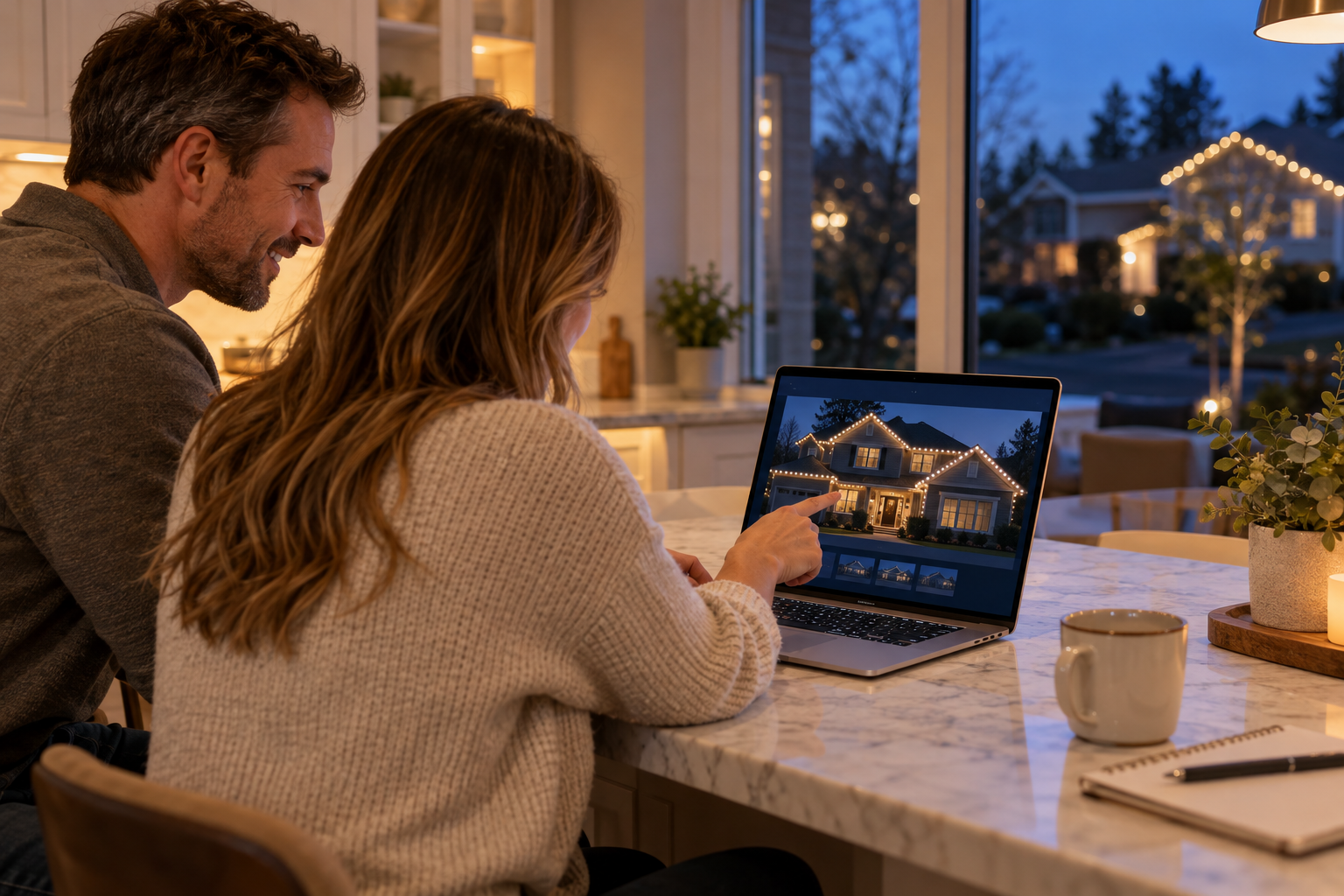
Try the real tools below. The example uses sample dimensions; start a new design to use your own home.
Start with an uploaded house photo, then trace the rooflines and mark the areas you want illuminated. SiteMark keeps the design on the property image so you can compare a simple front roofline with a fuller display that includes porch pillars, bushes and trees. You can begin designing without a contractor account.
Choose a color preset, adjust individual bulbs, and switch to the night preview to compare the overall effect. Keep your original photo available: it is the reference for both your customer preview and the installation plan. Street View can help you explore a property, while your own uploaded photo supports image export.
Save a design file to your device and import it when you return. When you are ready to discuss installation, choose an installer, review the contact information and design being shared, and confirm sending. Designing does not automatically send your information or book a job.
Photo-derived lengths are planning estimates. A clear view of the house and reliable measurement references improve the plan, but perspective, hidden roof edges and uncertain reference sizes can affect quantities. An installer should verify dimensions and site conditions before final material preparation.