Start with your house
Upload a photo and mark the rooflines, porch and landscape areas you want to light.
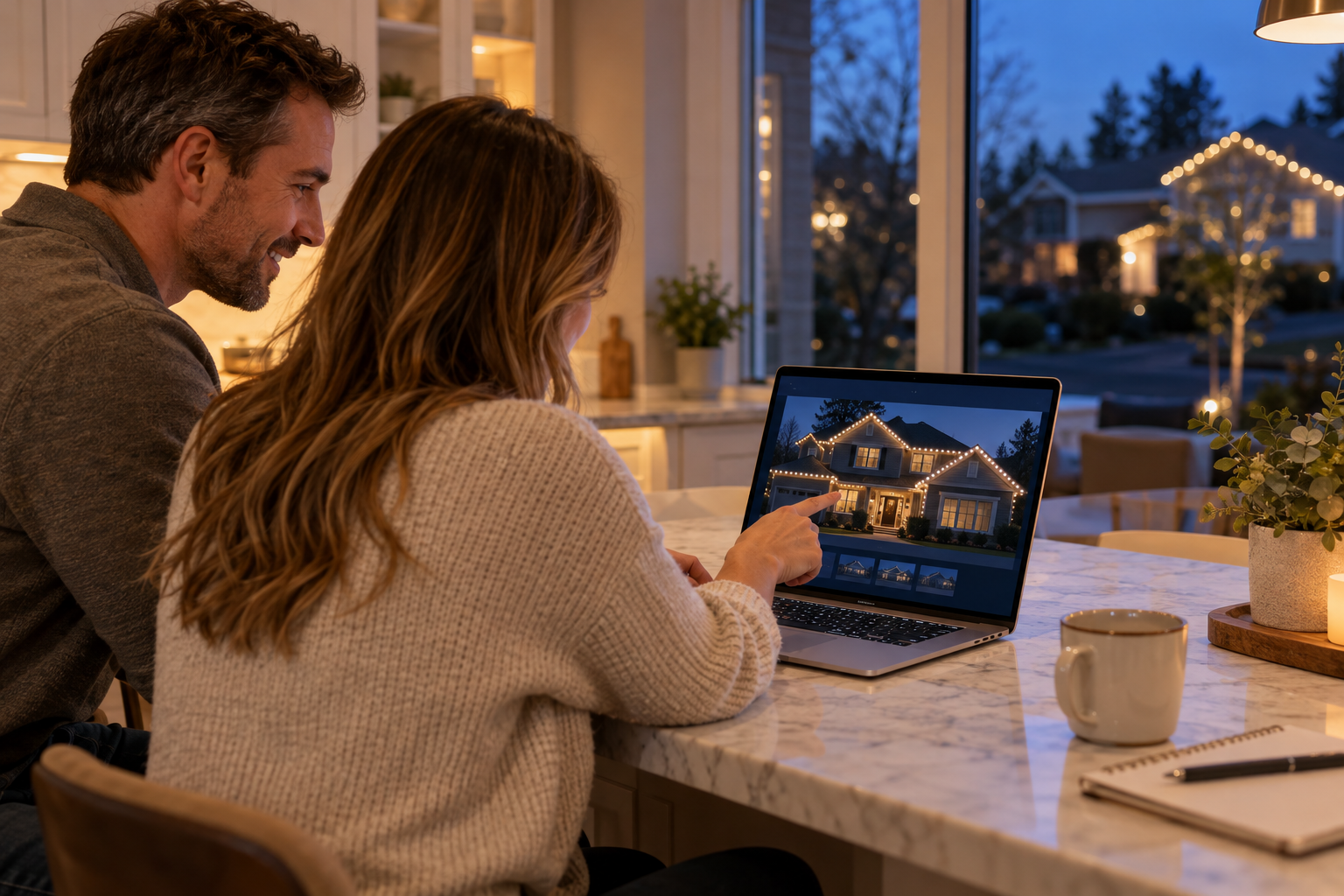
See your home light up. Choose what stays. See what it costs.
Our goal: know the cost before you ever pick up the phone.
Start with a photo. Save your design. Share only when you are ready.
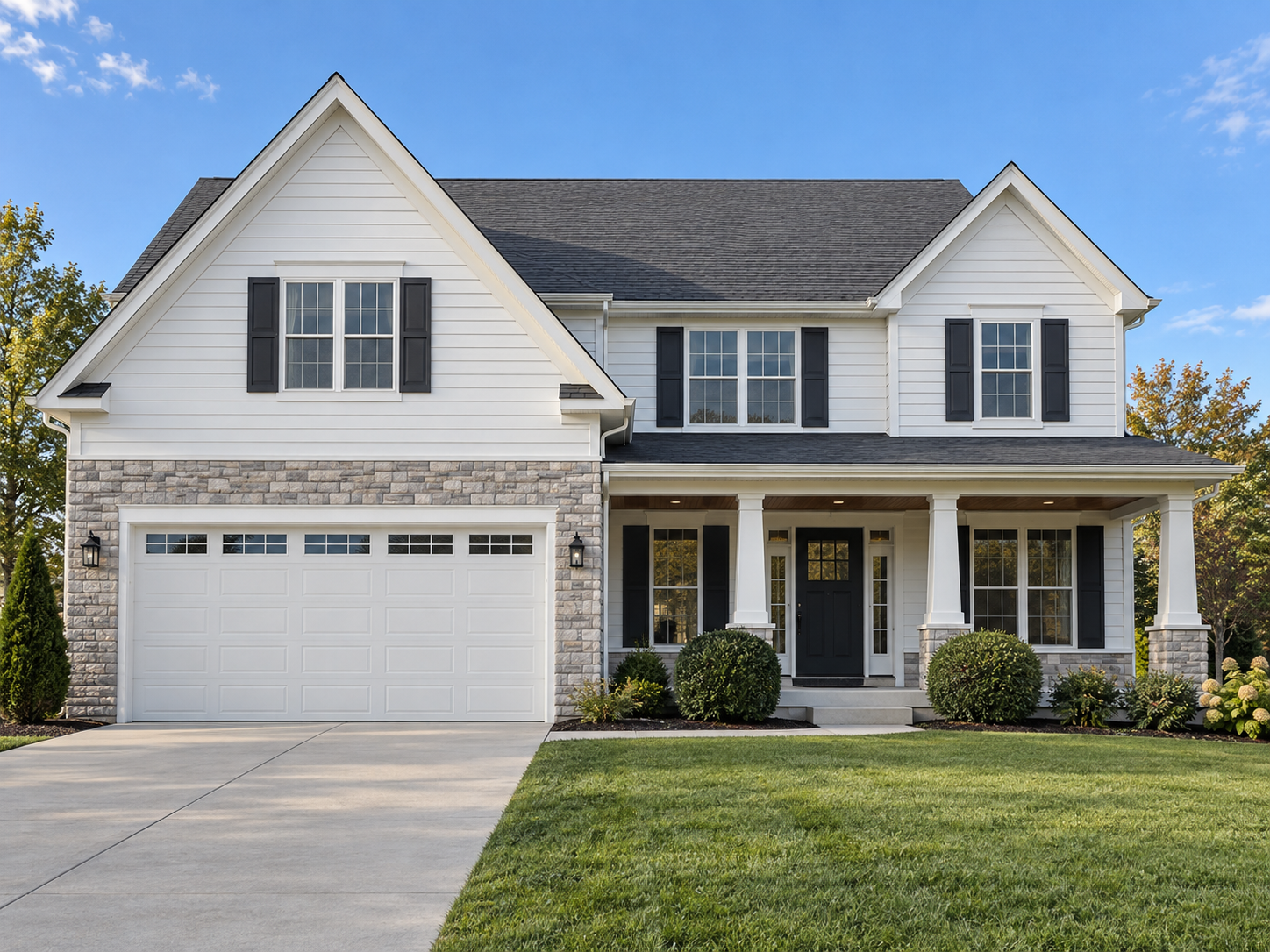 DESIGN PREVIEWDAYLIGHT VIEW
Drag the slider, change colors, or remove an item.
Upload a photo and mark the rooflines, porch and landscape areas you want to light.
Try colors, peak accents and mini wraps. In an itemized proposal, remove optional services and review the updated visual and price.
The approved layout, itemized scope and installation notes give you and the installer a shared reference.
Try the real tools below. The example uses sample dimensions; start a new design to use your own home.
A gutter run can include multiple points. Follow the visible bends and finish the run when you reach its end. Separate runs help identify different areas such as the porch gutter, upper roofline and a window peak. Name sections so the estimate and installation plan refer to the same parts of the house.
For a peak, mark the left end, apex and right end. The layout works down from the peak at the selected bulb spacing. For example, 12 bulbs on either side plus one shared peak bulb means 25 bulbs total, with the peak at bulb 13 when counted from one end. That example explains numbering; it is not a measurement of your roof.
Symmetry planning can use the longer estimated side for similar-length peaks. Clearly unequal sides need their own layout. The installation schedule records end gaps and any endpoint bulb with a shorter final interval. The photo keeps compact bulb-count labels so it remains easy to read.
The default roofline spacing is 15 inches and can be changed to match your product. Bulb count, socket span and roofline footage describe different things; connection leads and power routing also need attention. Photo estimates help planning, while verified dimensions are needed for final cutting and installation.