Start with your house
Upload a photo and mark the rooflines, porch and landscape areas you want to light.
See your home light up. Choose what stays. See what it costs.
Our goal: know the cost before you ever pick up the phone.
Start with a photo. Save your design. Share only when you are ready.
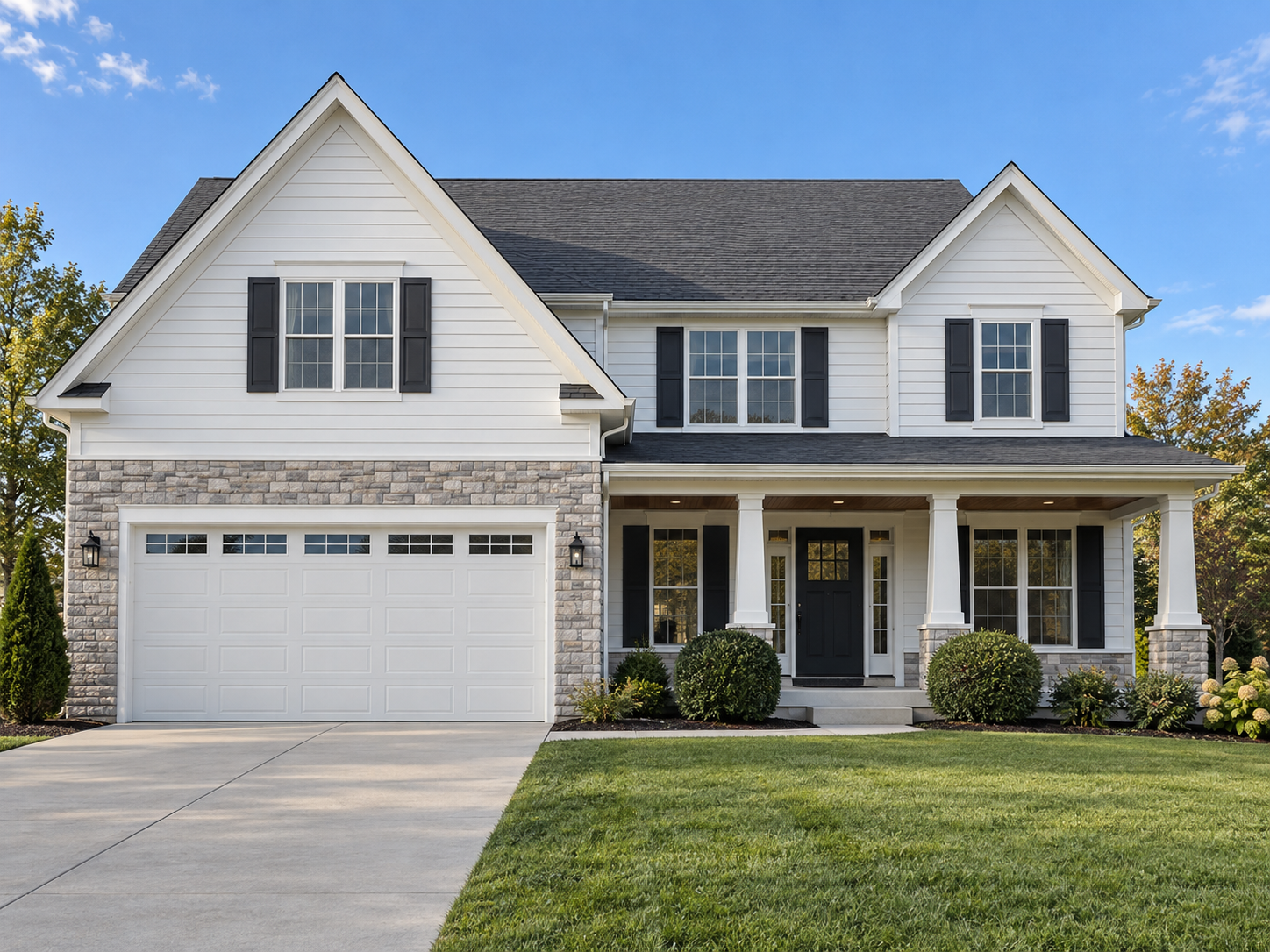 DESIGN PREVIEWDAYLIGHT VIEW
Drag the slider, change colors, or remove an item.
Upload a photo and mark the rooflines, porch and landscape areas you want to light.
Try colors, peak accents and mini wraps. In an itemized proposal, remove optional services and review the updated visual and price.
The approved layout, itemized scope and installation notes give you and the installer a shared reference.

Try the real tools below. The example uses sample dimensions; start a new design to use your own home.
A house photo with selected rooflines, colors and mini-light areas gives an installer a concrete starting point. Include the areas you want lit and keep optional areas as separate sections. This makes it easier to discuss a basic roofline package and additions such as porch wraps or landscape lights.
Use Find installers / send design in the designer. Create a customer profile or sign in, enter the installation address and review available company information. Availability varies by area. Review a company’s information directly rather than treating a listing as a guarantee of workmanship, insurance or availability.
Before sending, review the selected company, your contact details, the installation address and the design copy. Confirm permission to share those details. Opening the designer or searching for installers does not itself send a request. A submitted request begins a conversation; it is not a confirmed appointment.
Ask the company to specify installation, removal, service visits, storage, product ownership and any access limitations in its proposal. Compare the written scope with the visual design. If you remove an area from an itemized lighting proposal, check that the preview and total reflect the options you selected before accepting.