Your dates and calendar views
Choose the service date in day, multi-day or month view and move work when plans change.
SiteMark keeps the customer, property, sales notes, estimate and production record connected. Move an editable card through the pipeline, then drop it onto the calendar—even when CRM and Scheduling are open on separate screens.
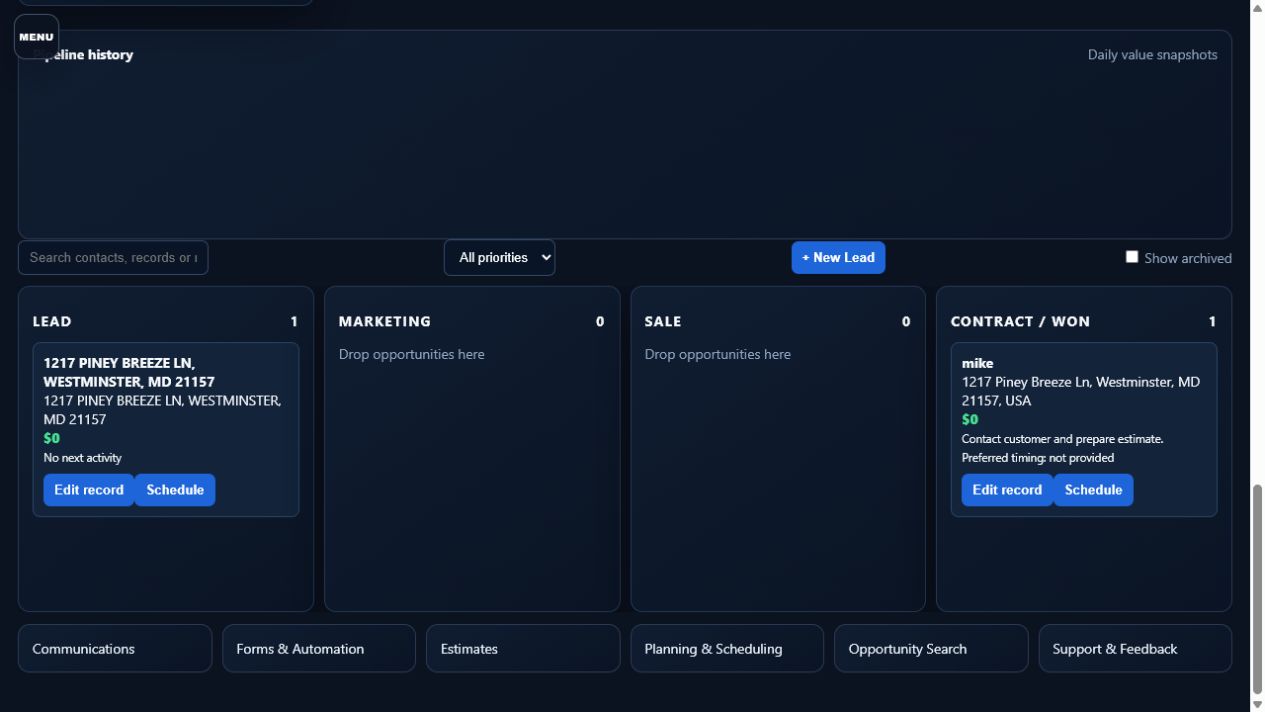
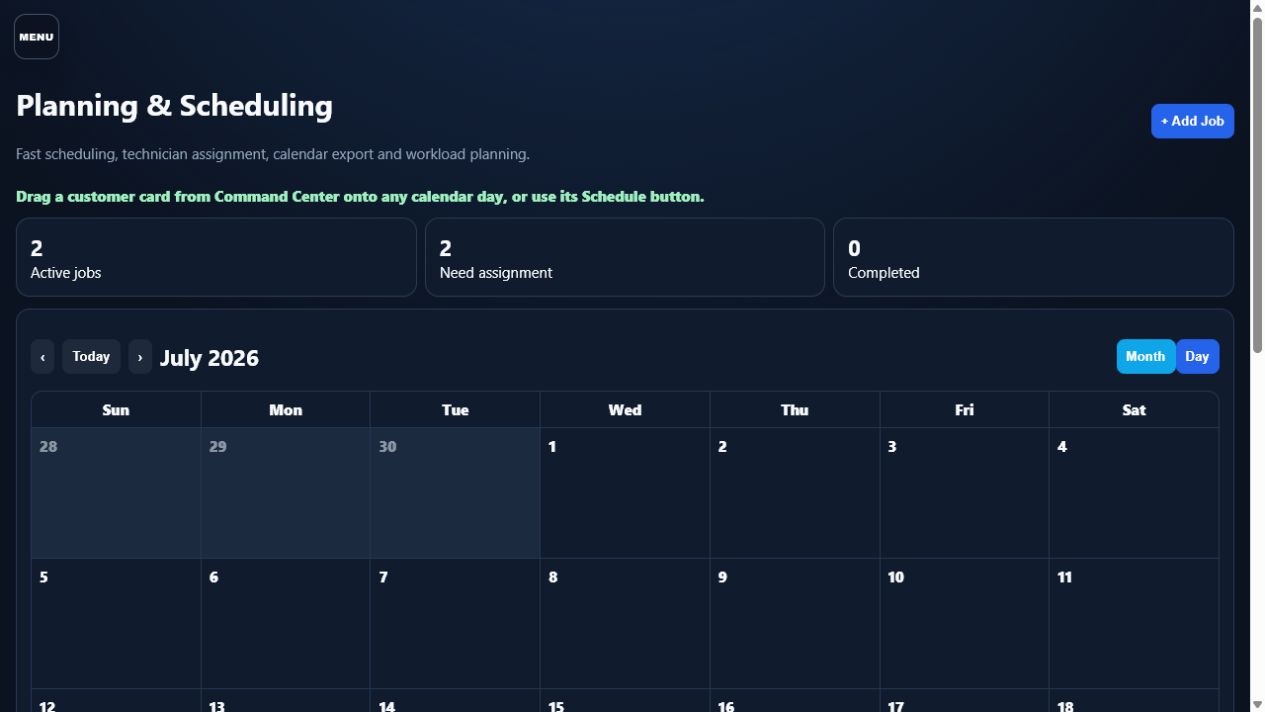
Choose the service date in day, multi-day or month view and move work when plans change.
Build your own crew names, roles and technician assignments instead of adapting to somebody else's structure.
Match jobs to company-defined vehicles, equipment, capabilities and limitations, with conflict warnings when required resources are unavailable.
Contact information, scope, next actions, pricing and internal history remain available as the card progresses.
Keep the CRM pipeline on one display and scheduling on another for a practical office command center.
SiteMark's core CRM workflow is free to use with no hidden paywalls blocking the basic pipeline.